
Snap Frame
Perspective & Warp Plugin for Figma
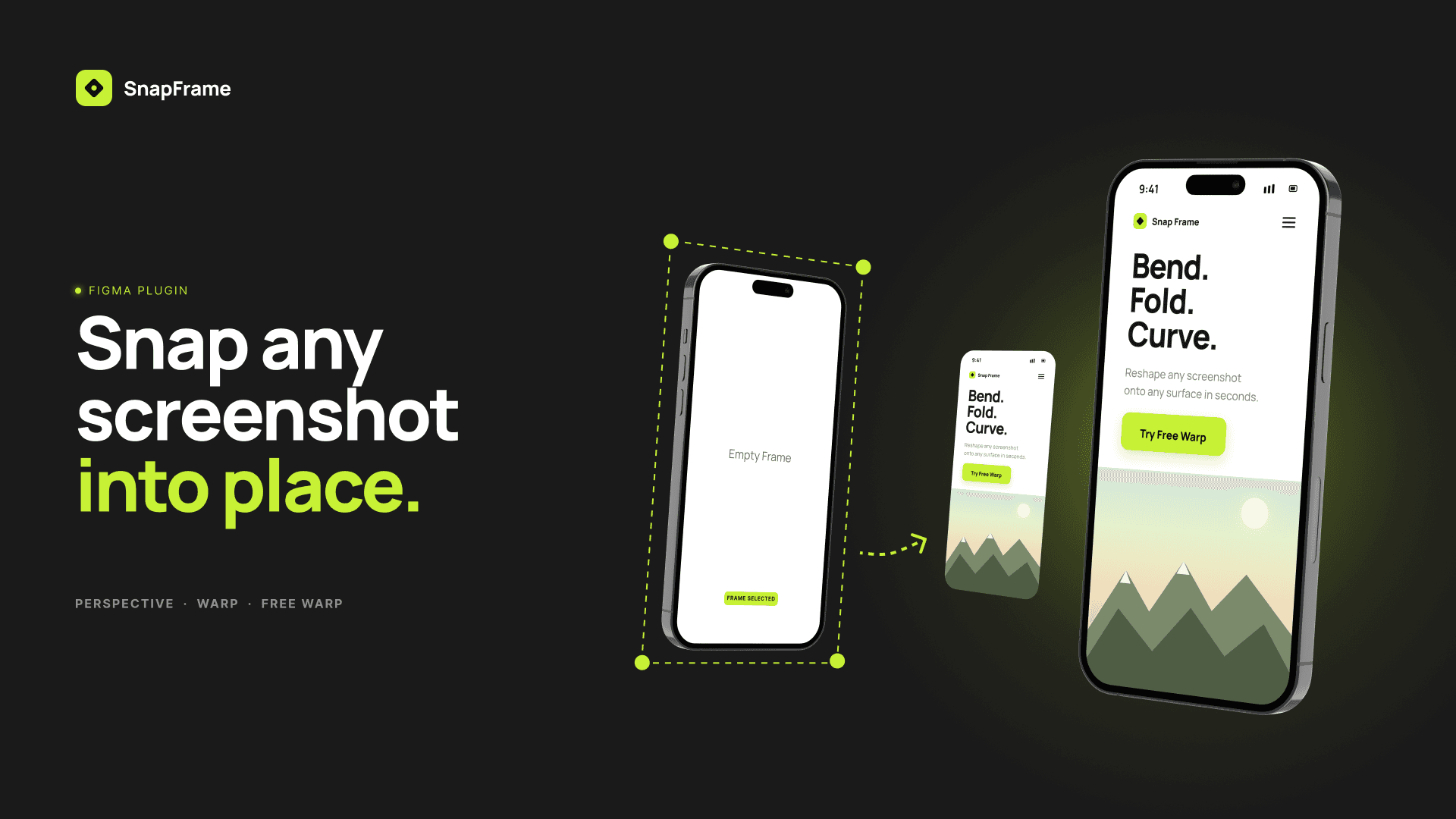
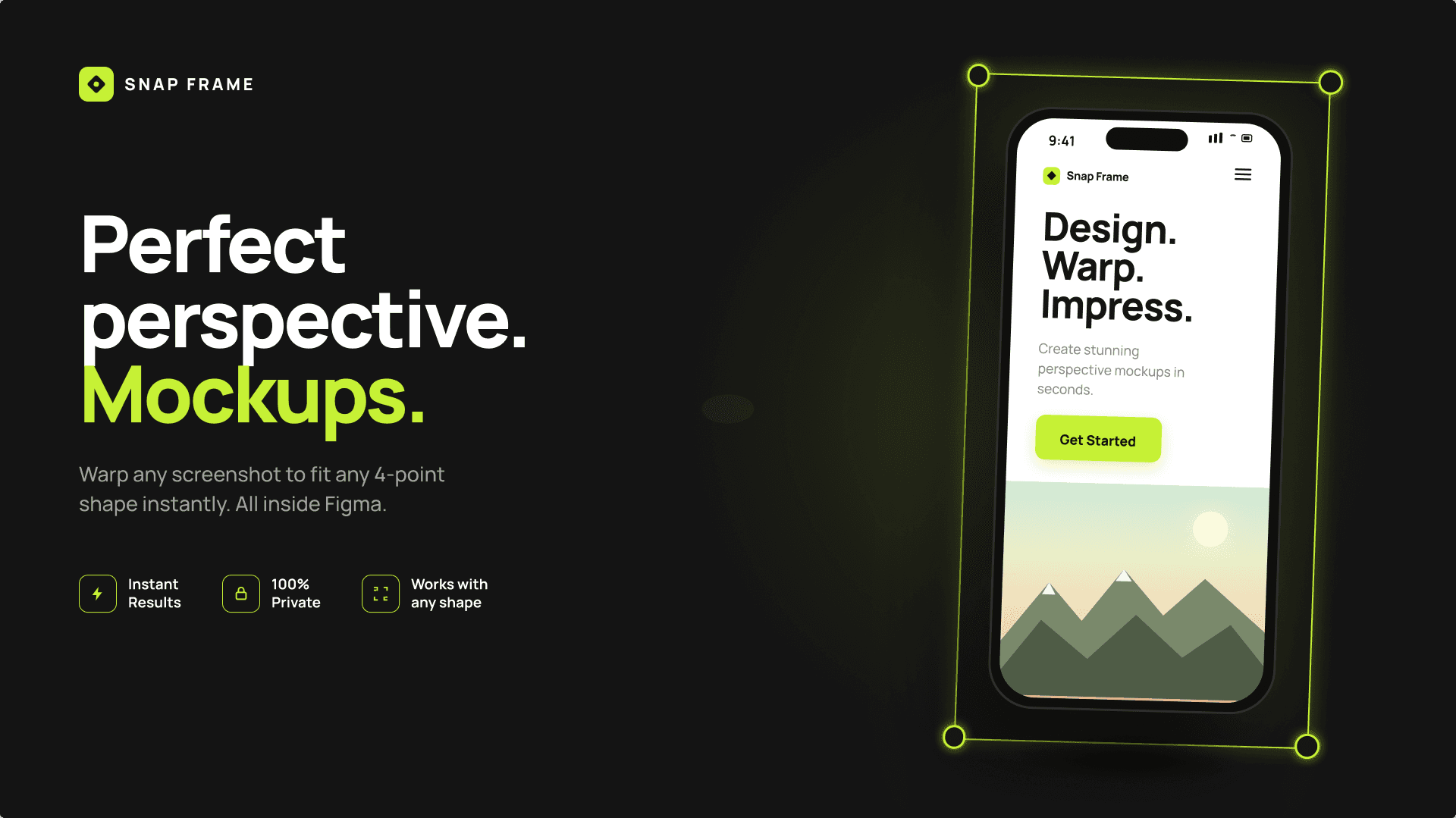
Create realistic perspective mockups directly in Figma. Snap Frame lets you warp screenshots and images onto angled screens, device frames and custom shapes in seconds — no Photoshop or 3D software needed.
Create Perspective Mockups Directly in Figma
Creating perspective mockups manually can be slow and often requires switching between Figma, Photoshop or other design tools. Snap Frame brings perspective and warp tools directly into Figma, so you can transform screenshots and images without leaving your workflow.
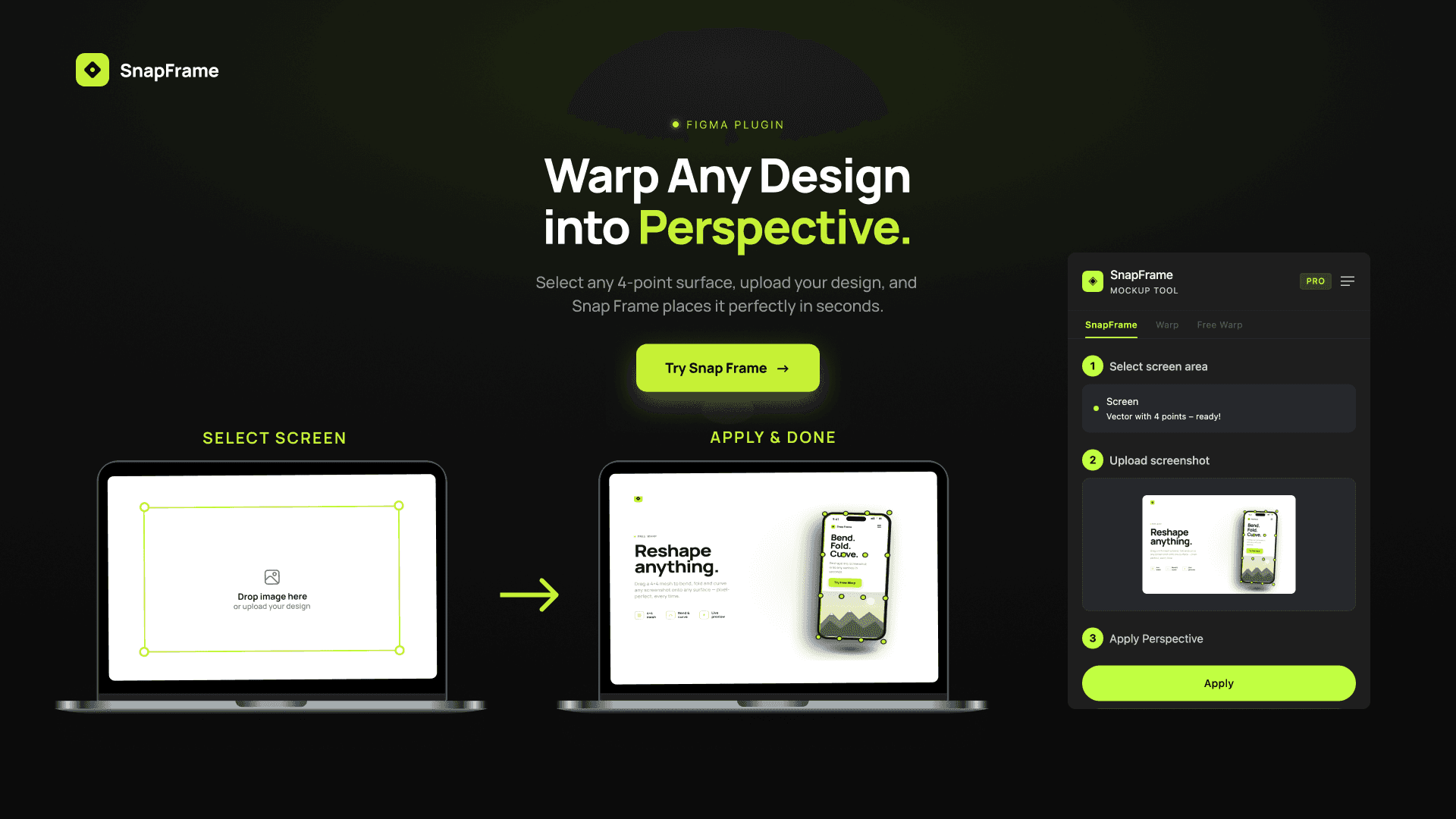
Select a screen area, upload your image, and Snap Frame warps it into place with pixel-perfect perspective math — no 3D software, no smart objects, no leaving your canvas.
Bring your own mockup: use any photo, illustration, or device frame you like. Snap Frame works with rectangles, 4-point vectors, and even rotated shapes, so any angled screen or surface becomes a target.
Three tools in one plugin: Perspective Snap for placing screenshots in perspective, Warp Presets for quick angle presets and custom tilts, and Free Warp for bending and curving images onto any surface with a draggable mesh. Try it free — 5 uses on us, then upgrade to Pro for unlimited everything.
Key Features
- Perspective SnapSelect any rectangle or 4-point shape in Figma, upload a screenshot or image, and it warps into perfect perspective automatically.
- Bring Your Own MockupNo built-in library to fight with. Use your own photos and device frames — any image becomes a mockup.
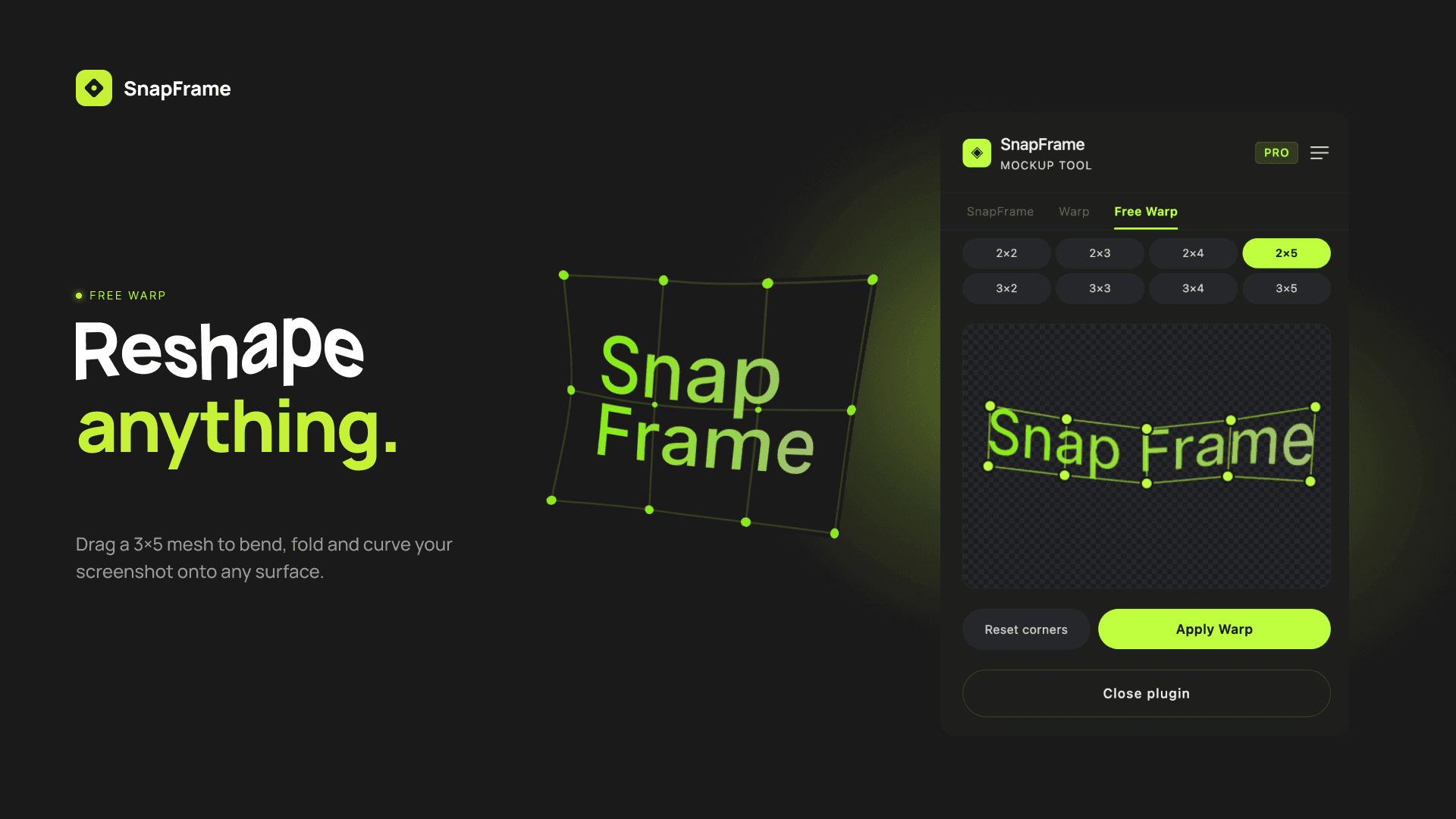
- Free WarpBend, fold, and curve images onto any surface with a draggable warp mesh and live preview.
- Warp PresetsFront, Left, Right, Top, Bottom — plus custom sliders for exact horizontal and vertical tilt.
- Rotation AwareRotated shapes get correct perspective automatically. Every warped image lands exactly where it should.
- 100% PrivateYour screenshots and images are processed locally in Figma and never uploaded to a server.
How to Warp Images in Figma
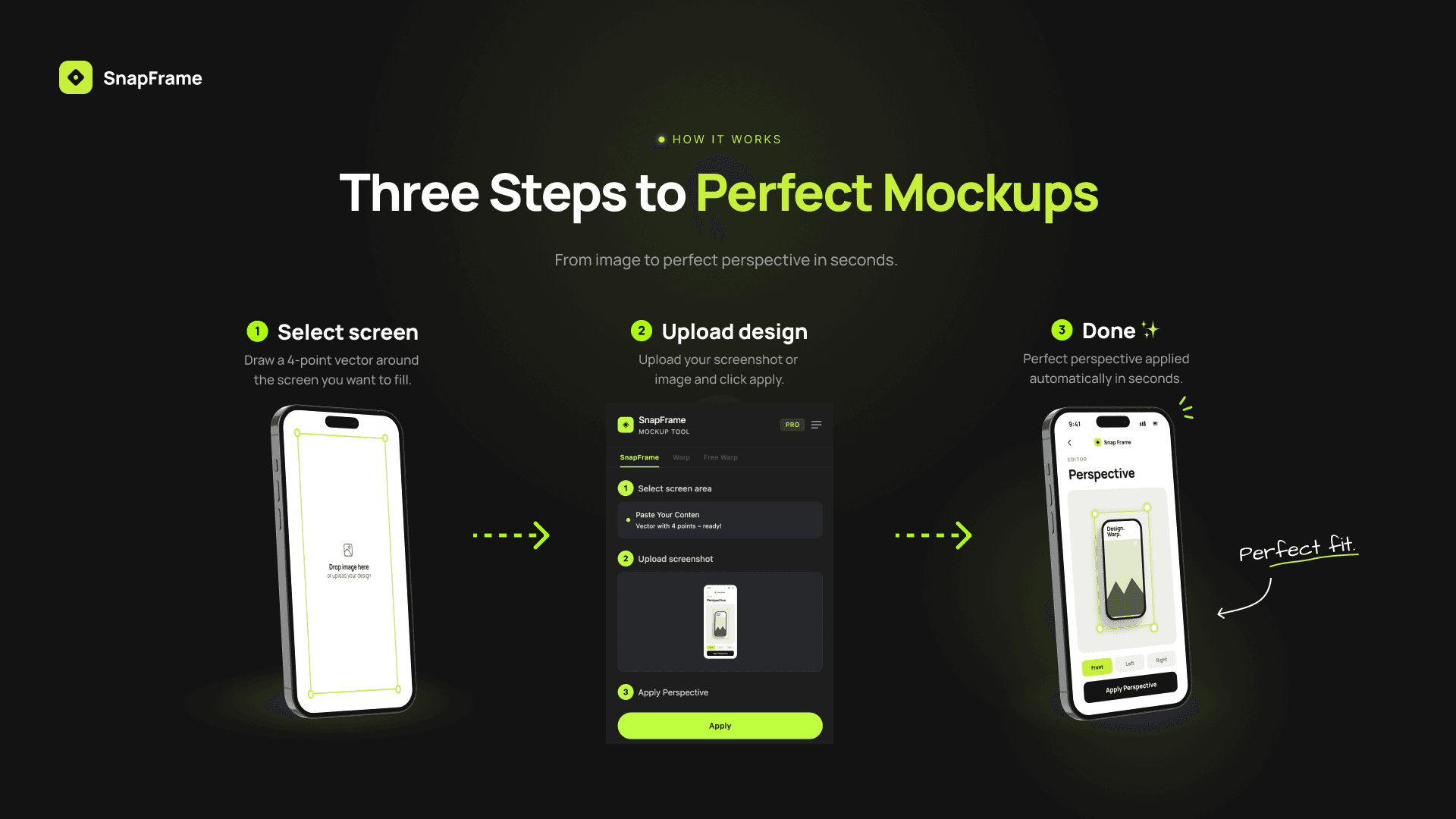
Select your shape
Select the target shape or perspective area in your Figma design.
Choose your image
Select the screenshot or image you want to transform.
Apply perspective or warp
Use Perspective Snap, a Warp Preset or Free Warp to transform the image directly in Figma.
Perspective & Warp Without Leaving Figma
Keep your entire mockup workflow inside Figma. Snap Frame lets you create perspective transformations and custom warps without exporting images to Photoshop or switching to 3D software.
Generate the result directly in your Figma file and continue designing from there.
Pricing
Try everything
- 5 free uses
- All three tools included
- No account needed
Unlimited everything
- Unlimited uses
- SnapFrame, Warp & Free Warp
- License works on 2 devices
- Cancel anytime
Subscription handled securely via Lemon Squeezy. License key delivered instantly after purchase.