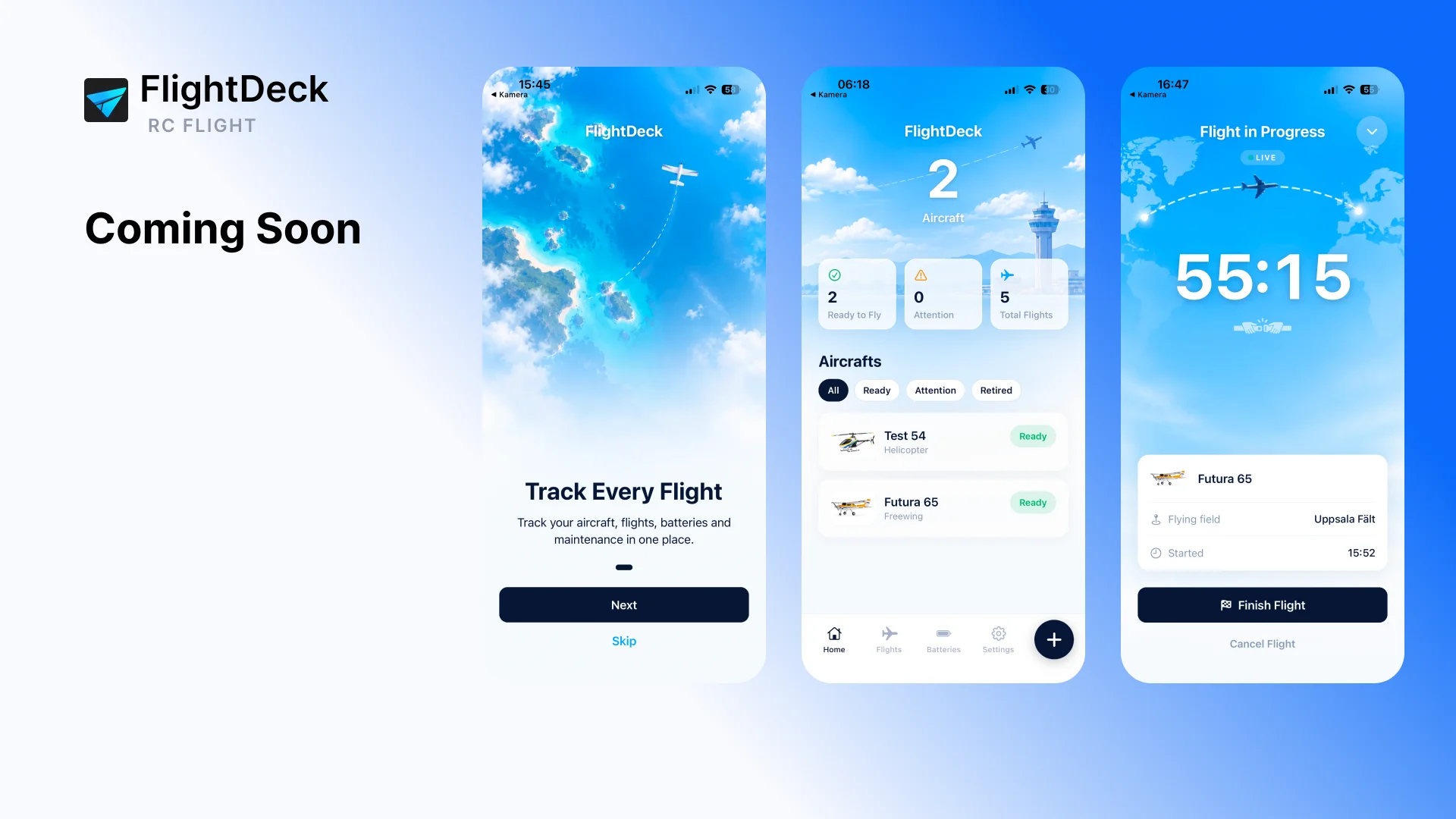
Track every flight.

FlightDeck
The RC flight log built for pilots.
FlightDeck is a clean RC flight log for pilots who want one place to track their aircraft, flights, batteries and maintenance. Add your models, start a flight with the built-in timer, log what happened and build a complete history for every aircraft — without accounts or complicated setup.
Your RC fleet. One flight log.
FlightDeck keeps the important parts of your RC hobby together. See which aircraft are ready to fly, track every flight, keep an eye on battery usage and record maintenance when something needs attention.
Everything is designed to be quick enough to use at the flying field.
Key Features
- Aircraft FleetAdd planes, EDF jets, gliders, helicopters, drones and other RC aircraft with photos, specifications and status.
- Built-in Flight TimerStart a flight directly from FlightDeck and let the app track the duration while you fly.
- Flight HistoryKeep a complete log of flights, duration, flying field, battery and flight status.
- Battery TrackingTrack LiPo and other batteries, compatible aircraft, usage count, total flight time and last use.
- Maintenance LogRecord maintenance, repairs and inspections for each aircraft and keep open issues visible.
- Flying FieldsSave frequently used flying fields and quickly select them when starting or logging a flight.
- Light & Dark ModeChoose the appearance that works best for you.
- Private by DesignFlightDeck stores your data locally on your device. No account required.
From hangar to flight log.
Add your aircraft
Create your RC fleet and keep important aircraft information in one place.
Start a flight
Choose your aircraft, optionally select a battery and flying field, then start the built-in timer.
Finish and log
Save the flight status, duration and notes when you land.
Build your history
FlightDeck automatically builds aircraft and battery statistics from your completed flights.
Built for the flying field.
FlightDeck is designed to stay out of the way. You can start flying with only an aircraft added — batteries, flying fields and maintenance are optional and can be added when you need them.
No complicated setup. No account. Just your aircraft and your flights.
Frequently Asked Questions
Coming to the App Store
Your next flight starts here.
Track your aircraft, flights, batteries and maintenance with FlightDeck.